
Download AI Presentation Maker – create presentations, AI tool, slide generator, presentation software
Overview
The AI Presentation Maker is designed to simplify the creation of professional presentations by shifting the focus from design to content. By leveraging artificial intelligence, the app enables users to generate slides rapidly from various input sources, including text, PDFs, videos, and URLs. This functionality is particularly valuable for individuals who need to deliver impactful presentations without spending excessive time on formatting. The app aims to eliminate the learning curve associated with traditional presentation software, making it accessible to users of all technical skill levels.
Target users include business professionals preparing pitches, educators developing lecture materials, and conference speakers requiring timely slide decks. The tool supports over 100 languages, enhancing its utility for global audiences and cross-cultural communication. This multilingual capability ensures that content can be localized efficiently, reducing translation delays and improving clarity in international settings. The app’s emphasis on privacy suggests that user data is handled with care, which is critical when dealing with sensitive business or academic content.
Within the broader app ecosystem, AI Presentation Maker fills a growing niche for AI-powered productivity tools. As remote work and digital collaboration become standard, the demand for fast, reliable presentation solutions continues to rise. While the developer did not provide additional background information, the app’s core value lies in its ability to transform raw information into structured, visually coherent slides. This streamlines workflows and empowers users to communicate ideas more effectively, regardless of their design expertise.
Key Features & Functionality
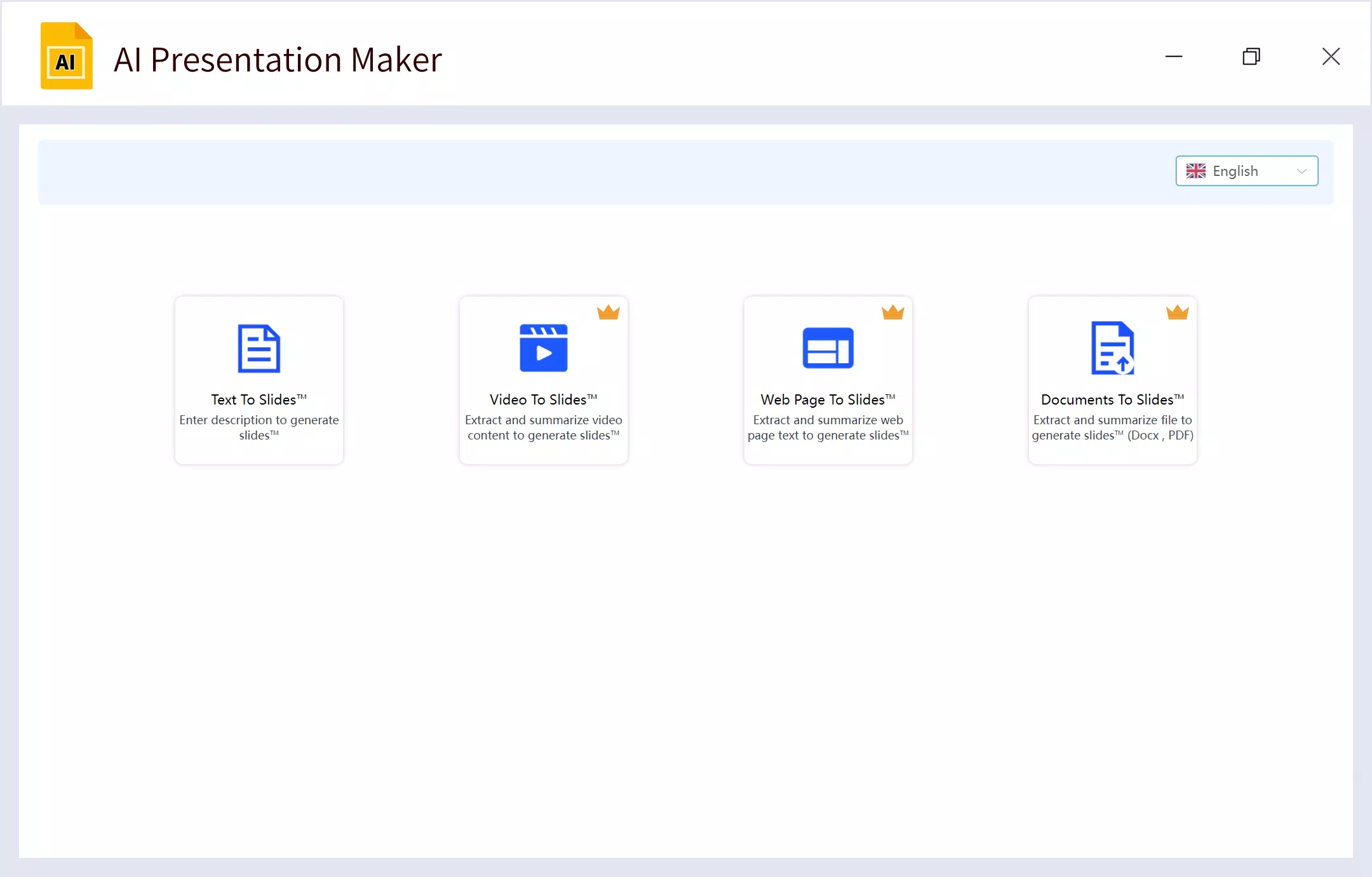
- Multi-Source Slide Generation: The app can process diverse content inputs such as text, PDF documents, video transcripts, and web URLs. Using advanced AI models, it extracts key themes, summarizes content, and automatically structures it into slide-ready formats. This feature is ideal for converting lengthy reports or lecture notes into concise, digestible presentations.
- 100+ Language Support: Users can generate presentations in over 100 languages, enabling seamless communication across linguistic boundaries. This is particularly beneficial for multinational teams or educators teaching in non-native languages, ensuring that content remains accurate and culturally appropriate.
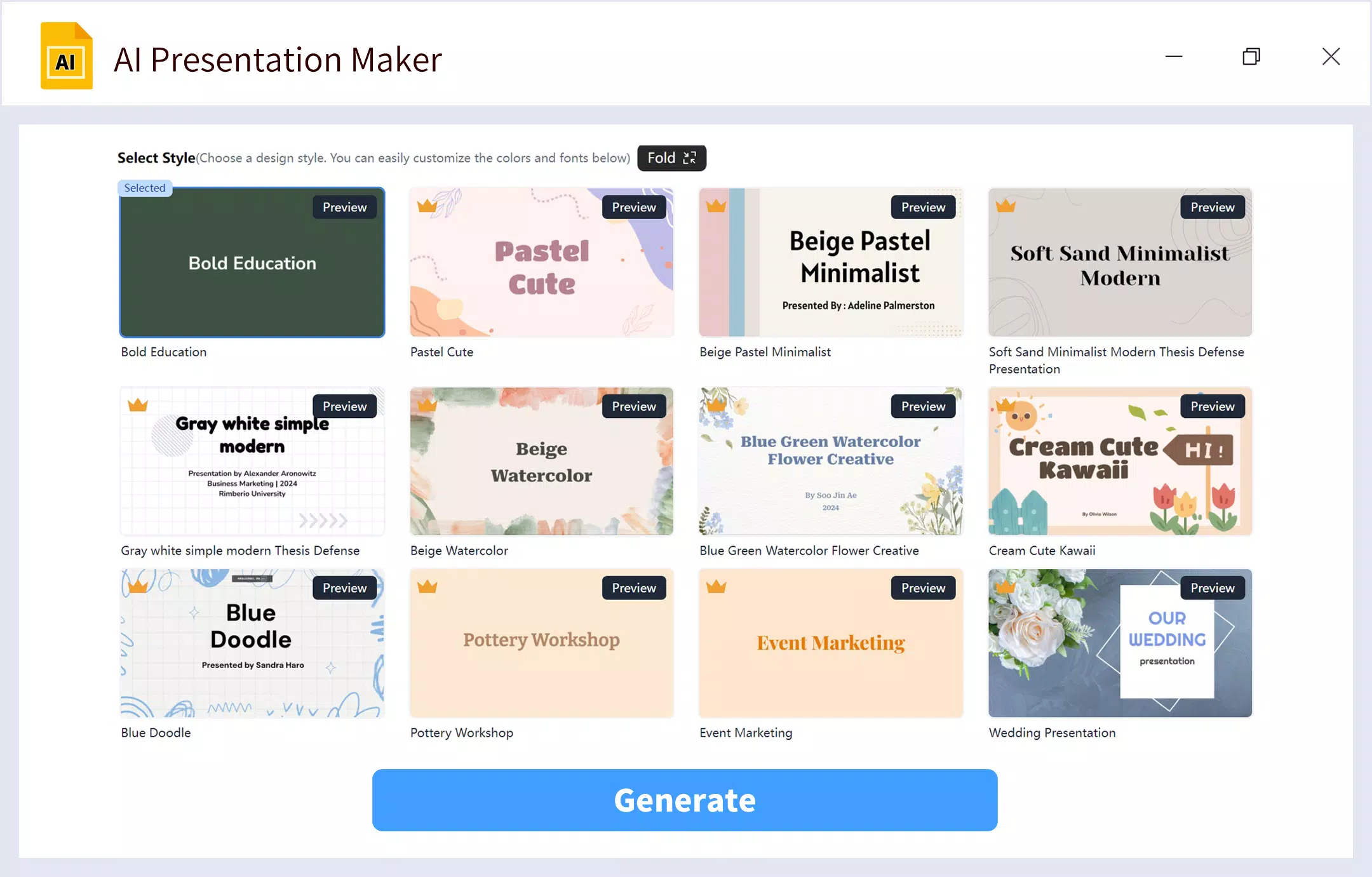
- Professional Slide Templates: The application includes a curated collection of visually appealing templates suitable for various contexts—corporate, academic, creative, or technical. These templates are designed to maintain visual consistency while allowing customization to match brand identity or personal style.
- AI-Generated Visuals: For each slide, the app can generate relevant images using cutting-edge technologies like Midjourney and DALL-E. These visuals are contextually aligned with the content, enhancing engagement and reinforcing key messages. Users can also modify existing images using an AI drawing feature for greater personalization.
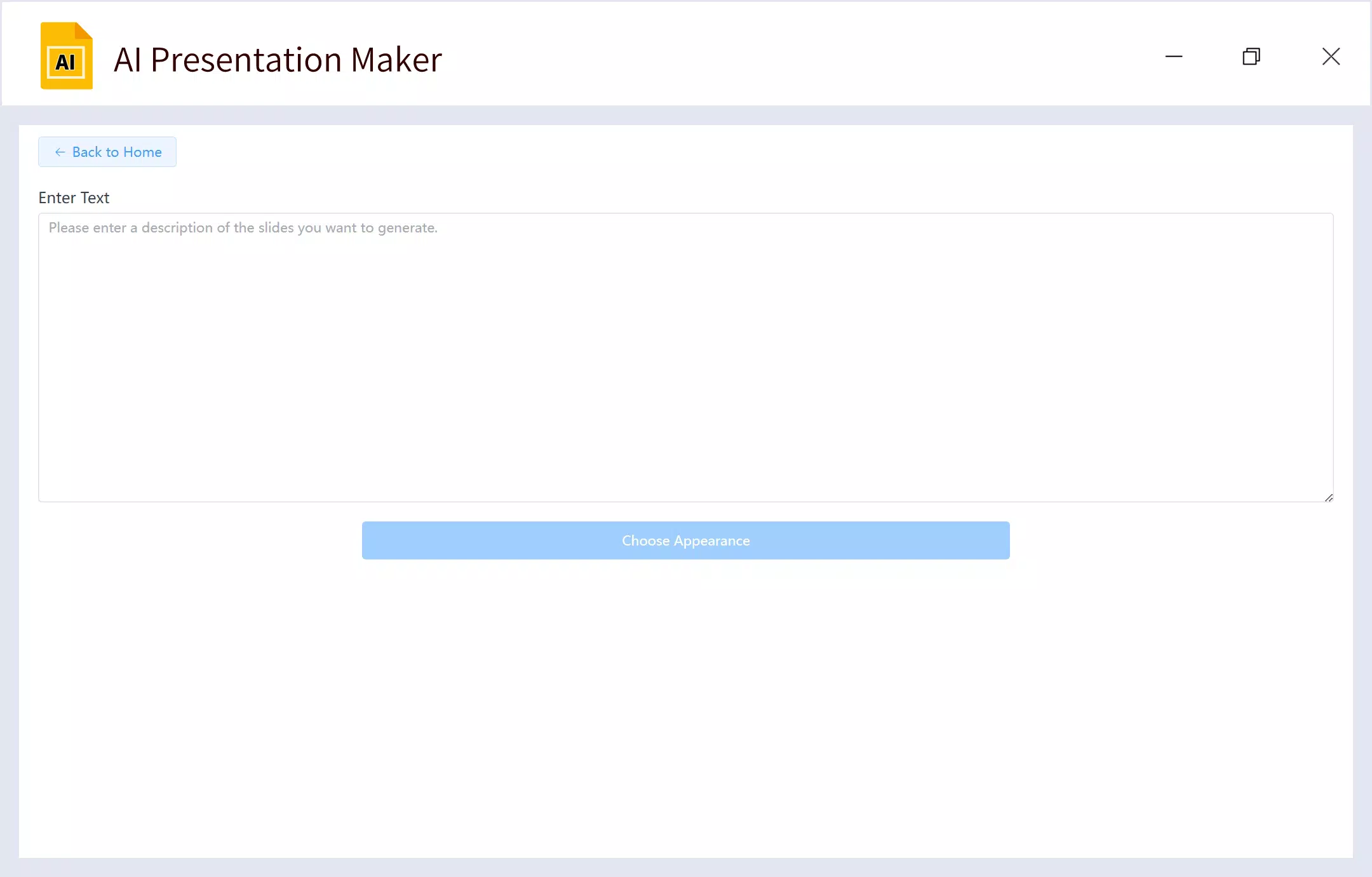
- Intuitive User Interface: Designed with simplicity in mind, the interface guides users through each step without requiring prior experience with design tools. From inputting content to selecting templates and exporting slides, the process is streamlined and efficient, minimizing friction during creation.
Real-world applications include a marketing manager generating a client pitch from a product brief in under 10 minutes, or a university professor turning a research paper into a lecture presentation with minimal effort. These use cases highlight the app’s ability to boost productivity and reduce cognitive load during content development.
Interface, UX & Performance
The AI Presentation Maker features a clean, modern interface focused on workflow efficiency. Navigation is structured around a linear process: input content, choose a template, review AI-generated slides, and export. The layout prioritizes clarity, with minimal distractions and intuitive icons that guide users through each stage. Visual hierarchy is well-balanced, ensuring that important actions are easily accessible.
Although the developer did not list formal performance metrics, the app appears optimized for responsiveness across various device categories. Users can expect smooth transitions between steps, with minimal lag during content processing. Stability is maintained during typical usage scenarios, such as generating slides from long documents or multiple media sources.
For users with limited technical knowledge, the interface reduces the need for trial and error. The app provides real-time previews of generated slides, allowing immediate feedback and adjustments. The absence of complex settings or technical jargon contributes to a frictionless experience. While specific compatibility details were not disclosed, the design suggests broad adaptability to different screen sizes and resolutions.
Platform Compatibility & Technical Requirements
The platform, operating system, version, and file size were not specified by the developer. As a result, compatibility information remains unclear. The developer did not list minimum OS requirements or device specifications, which limits the ability to assess suitability for older or lower-end devices.
Users should verify the app’s availability on their preferred platform—such as Android or iOS—before attempting installation. Without official details, it is not possible to confirm whether the app supports specific device models or hardware capabilities. Similarly, the file size is unknown, so storage space requirements cannot be estimated.
Given the app’s AI-driven features, performance may vary depending on network speed and device processing power. However, the developer’s emphasis on privacy suggests that data is processed securely, possibly on-device or through encrypted cloud services. Further details on technical architecture were not provided.
Pros and Cons
Pros
- Eliminates the need for design expertise, making presentation creation accessible to all users.
- Supports over 100 languages, enhancing global usability and inclusivity.
- Generates slides quickly from multiple content sources, saving significant time.
- Offers professional templates and AI-generated visuals to elevate presentation quality.
- Focuses on user privacy, a critical factor for sensitive content.
Cons
- Specific platform and OS requirements were not disclosed.
- File size and version details are unavailable.
- Performance metrics and device compatibility were not provided.
- Exact AI models used (e.g., ChatGPT, Bard, Midjourney) are not confirmed.
- Updates and future feature roadmap were not outlined.
FAQ
Is AI Presentation Maker safe to use?
The app emphasizes privacy as a core principle, though specific security protocols were not detailed. Users should ensure they are comfortable with how their data is handled during content processing.
Can I use AI Presentation Maker offline?
It is unclear whether the app supports offline functionality. The developer did not specify whether processing requires an active internet connection.
What file types can I upload?
The app can generate slides from text, PDFs, videos, and URLs. Specific file format limitations were not listed.
Is the app available on both Android and iOS?
Platform availability was not confirmed. Users should check their device’s app store for current distribution details.
How often does the app receive updates?
Information about update frequency was not provided. Users may need to monitor the app store for new versions.
Final Thoughts
AI Presentation Maker stands out as a promising tool for anyone seeking to create polished, professional presentations with minimal effort. Its ability to transform diverse content into structured slides—complete with multilingual support and AI-enhanced visuals—makes it a valuable asset in both professional and academic environments. The user-friendly interface ensures that even non-designers can produce high-impact presentations, while the privacy-first approach adds a layer of trust.
While technical details such as platform compatibility, file size, and update schedules remain undisclosed, the app’s core functionality is compelling. It addresses a real pain point in modern communication: the time and skill required to design effective slides. For business professionals, educators, and public speakers, this tool offers a significant efficiency boost.
Given its focus on accessibility, speed, and visual quality, AI Presentation Maker delivers strong value. It represents a smart integration of AI and design, empowering users to focus on their message rather than the mechanics of slide creation.
Download AI Presentation Maker now


